
Tripday
The every trip planning assistant.
Role
end -to-end UX/UI Designer
Timeline/Deliverable
16 weeks/Web based prototype
Project Type
Student Project
Overview
Having experienced frustrations in my own travel planning; multiple site confirmations for ticketing, price comparisons and fluctuations, coordinating and communicating with my travel companions—I wanted to understand if I am the only one losing at the travel game.
My assumption was that travelers needed a single-source location for all of their confirmed tickets purchased and reservation documents but I wanted to test this. Through a series of research methods and user interviews, I found that users just want simplicity. They valued their time and their money and would love an itinerary they can trust.
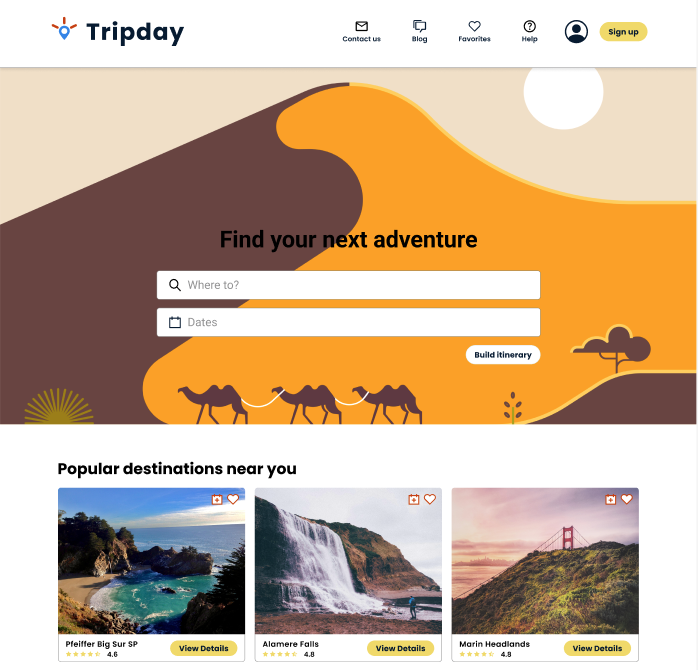
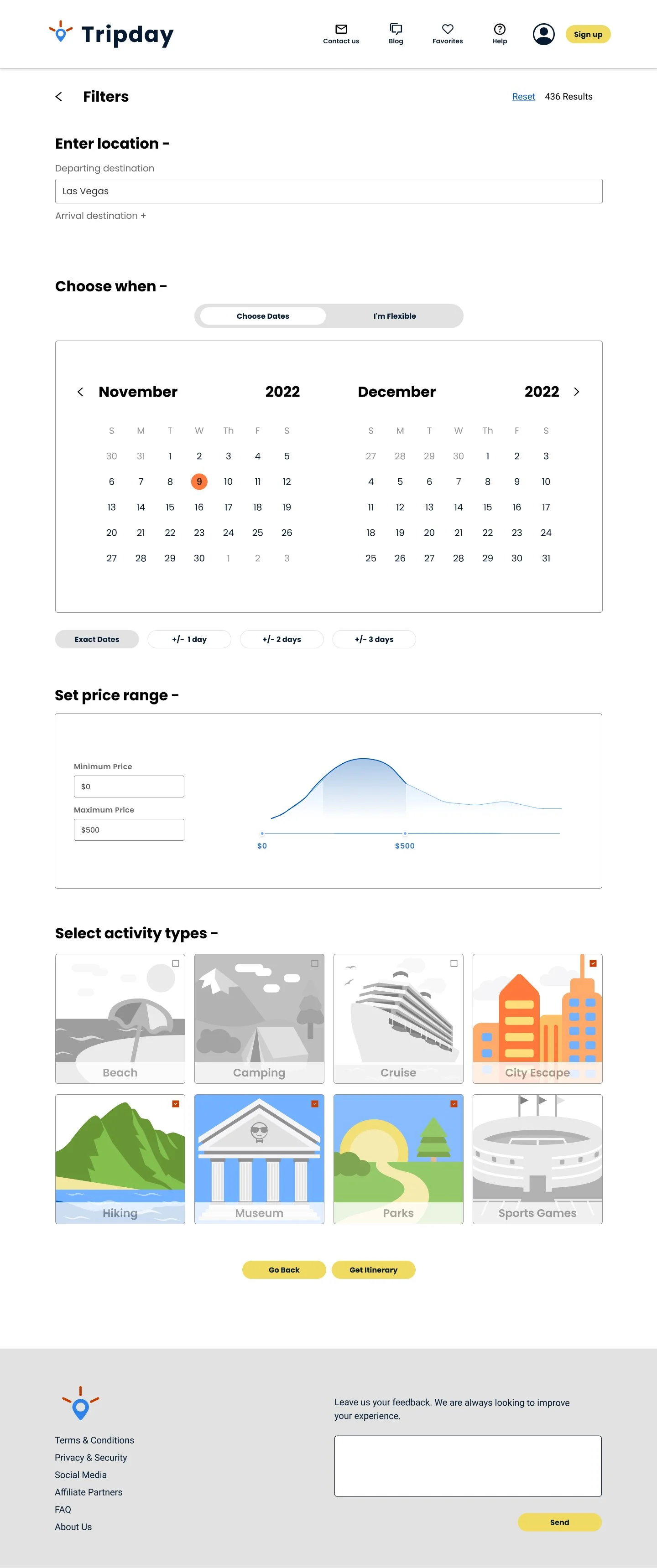
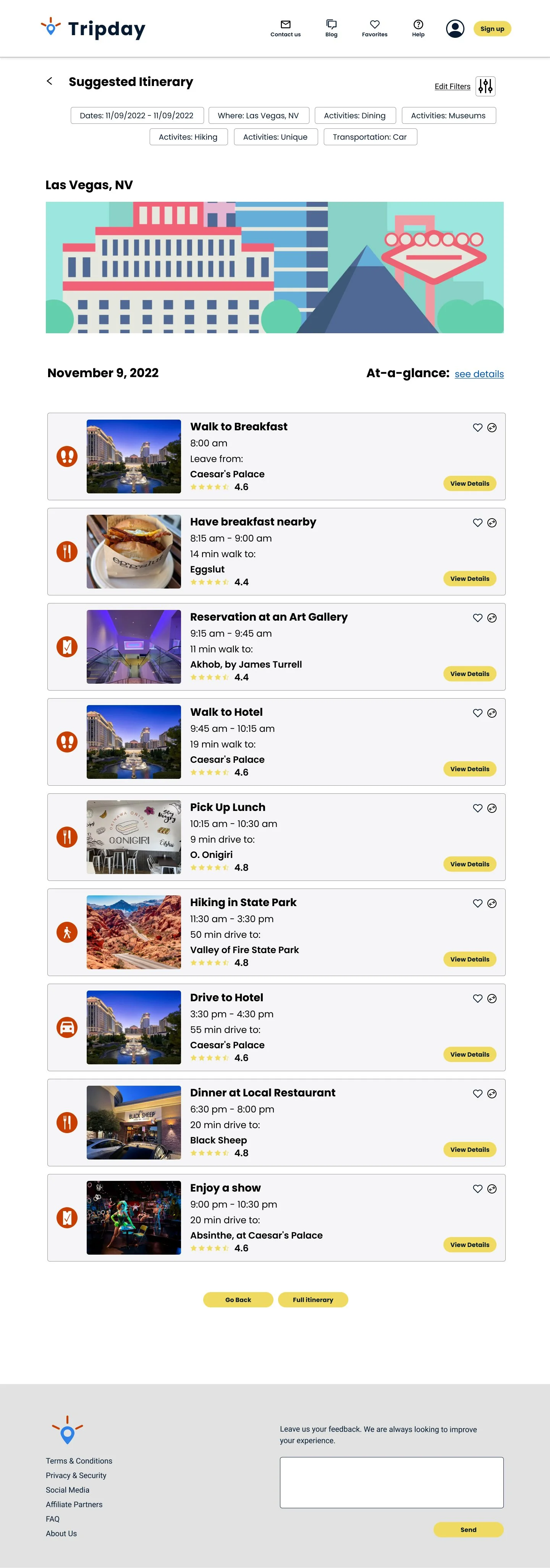
I got to work on developing a web based product that aims to take information from the user and suggest a travel itinerary for any type of trip.
Research
Competitive Analysis
I started my research by looking at the competition. A review of TripIt, Google Travel, TripAdvisor and Airbnb, on their features and pros and cons.
What we found
All of the sites hosted different information, without the ability to consolidate travelers’ research.
(Placeholder Image)
User Interviews
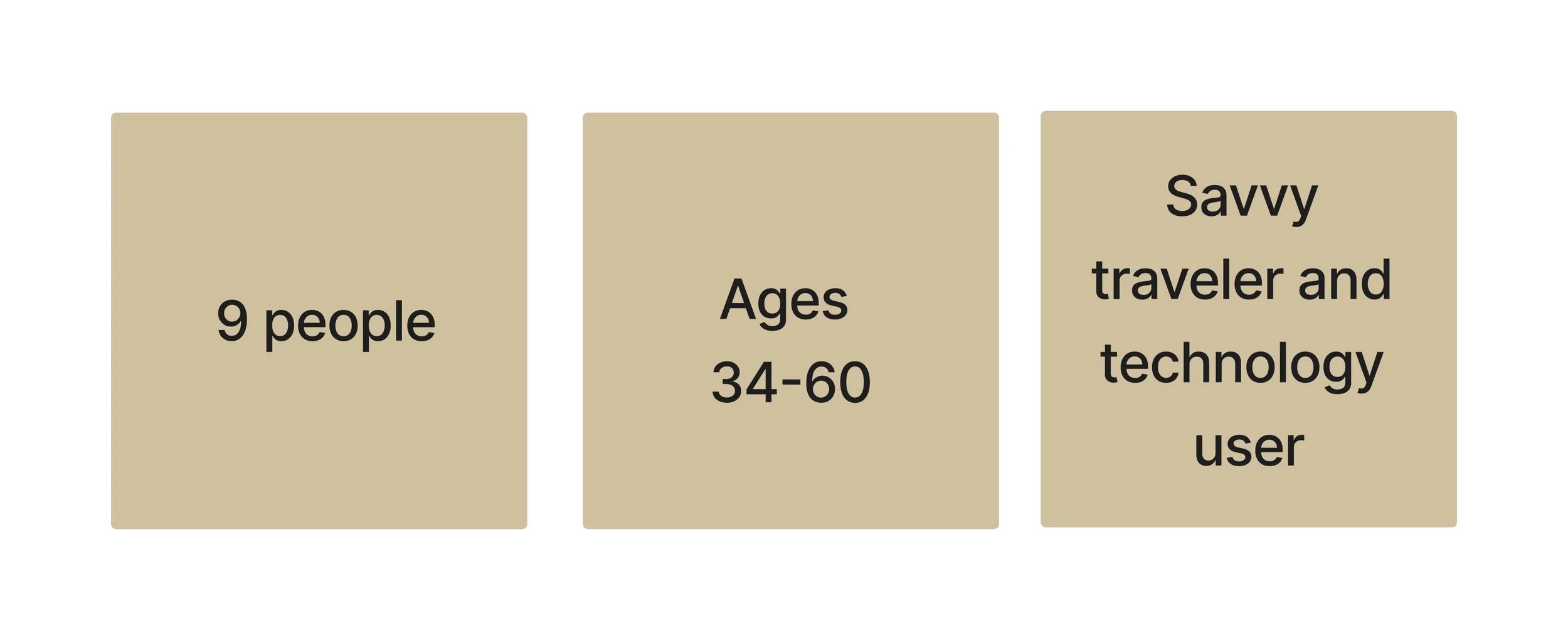
I also conducted user interviews through Google Meet at approximately 1 hour durations.
Some items discussed
How do you generally feel about traveling?
How do you feel about travel planning?
When planning for a trip, describe what type of planner you are?
For whom are you generally planning a trip?
Do you incorporate technology when planning a trip? During a trip?
For your next trip, what would you do differently?
What we found
88% of people stated they enjoyed traveling but find the planning to be difficult (although even the ones who said they enjoyed planning expressed some frustrations with certain aspects)
88% of people are sharing travel plans and are using at least 3 different platforms to share information (i.e. emails/texts, Google Docs/Sheets, calendar events)
88% of people read reviews from a variety of sites but do not find them to be fully trustworthy
77% of people agreed that having all of the itinerary in one location would be helpful
77% of people said they have used the same method every time they are planning and would not seek out other methods unless
100% of people prefer to lock in the big ticket items (i.e. plane, hotels), plan some activities but also leave openings for spontaneity
What’s the problem?
To help organize the large amount of information from the interviewees, I summarized the discussions into an affinity map. This helped me categorize the topics discussed and determine some pain points and opportunities.
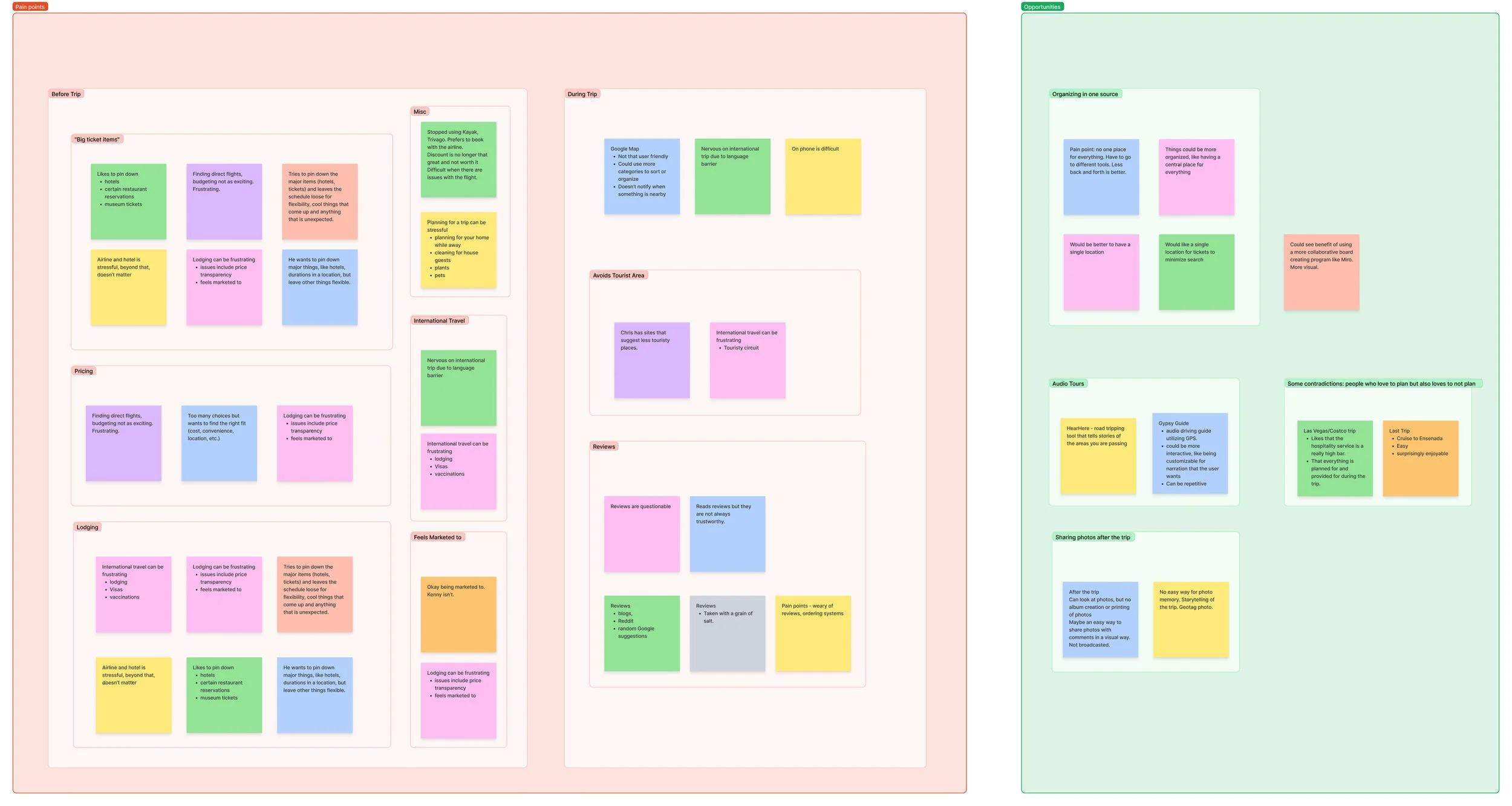
Affinity Map (click on image for full record)
What we found
Pain points:
Sites are untrustworthy:
Pricing isn’t always transparent
Reviews often appear overly enthusiastic
People feel marketed to
Scattered information:
Tickets and reservations saved in a variety of ways (i.e. Wallet, email, within the hosted site app)
When coordinating with people (i.e. texts, emails, Google Docs/Sheets, photos of emails)
Activities selected:
Is this activity too touristy/too expensive/too crowded/too far?
Am I missing out on something else?
Is everyone enjoying themselves?
Opportunities
Having a single location for all confirmations, tickets, and reservations that is shareable.
Audio tours for a variety of travels that enrich people’s experience.
Virtual travel agent that is trustworthy and can suggest an itinerary that is customizable.
Defining the User and the Problem
Knowing there are many problems in the traveling digital space, I needed to assess what the priorities were. Based on users’ desire for a simplified way to plan their trips, I created this POV statement:
“I’d like to explore ways to help people build a customizable travel itinerary because a well organized trip can help minimize decision making and frustrations during a trip.”
The Users
Personas are created to empathize with users and avoid designing for ourselves.
Storyboards
Storyboards were created to help visualize the problem and how it might be solved.
Creative Exercises
I also worked through a series of exercises to generate a wide variety of ideas just to see what would happen. To see those ideas, click here.
Information Architecture
To get my mind wrapped around some of the features that might be in the new travel product, I created a sitemap for the product to define the scope and prioritize the necessary features. Seeing the full layout of the site helped to determine user and task flows as a basis for the site development and usability testing.
Design
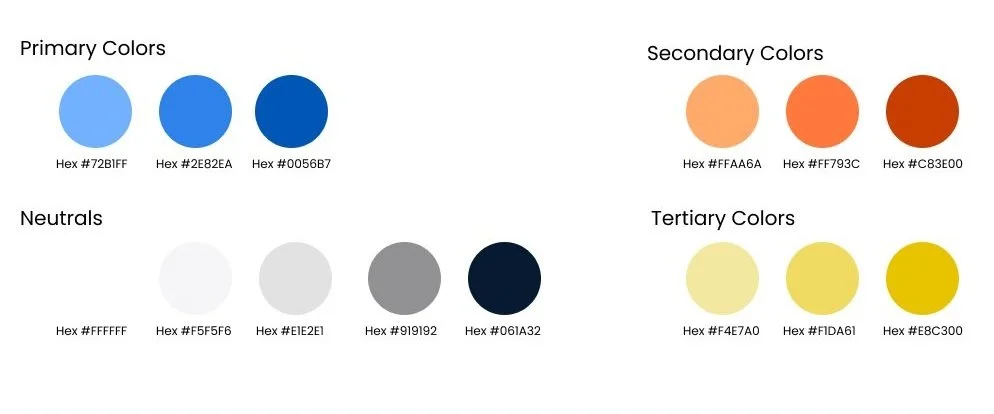
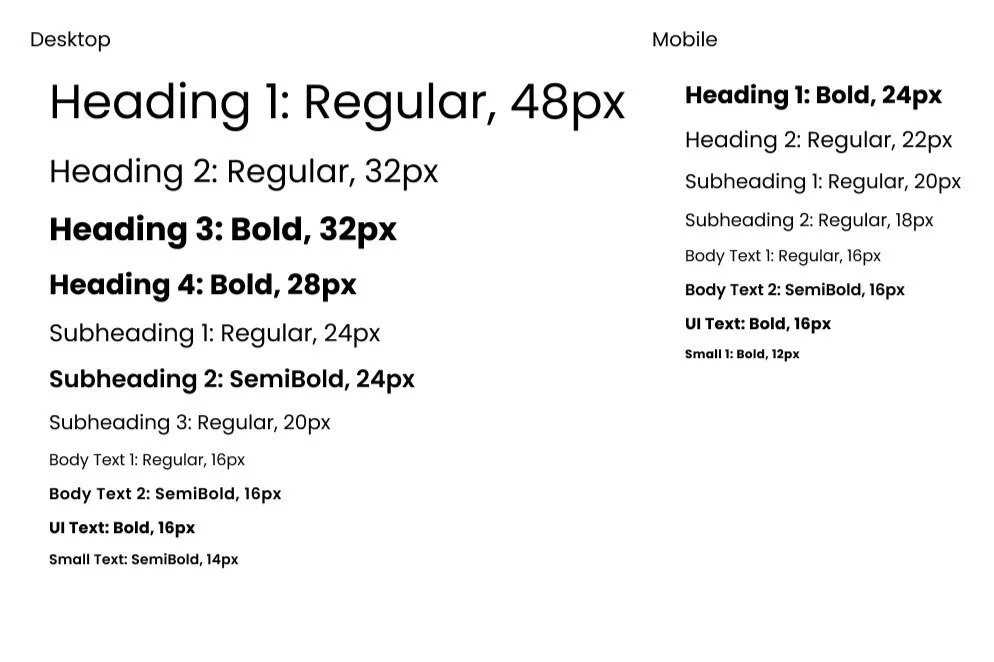
After looking at several other travel sites, I created a mood board to help define the look and feel of the site. I wanted the palette to be bright and cheerful, and the general aesthetic to be clean and be approachable. I developed two color options along with two typeface options to review with other colleagues. The color palette selected included a blue color that helped strengthen the product’s core values.
UI kit and branding
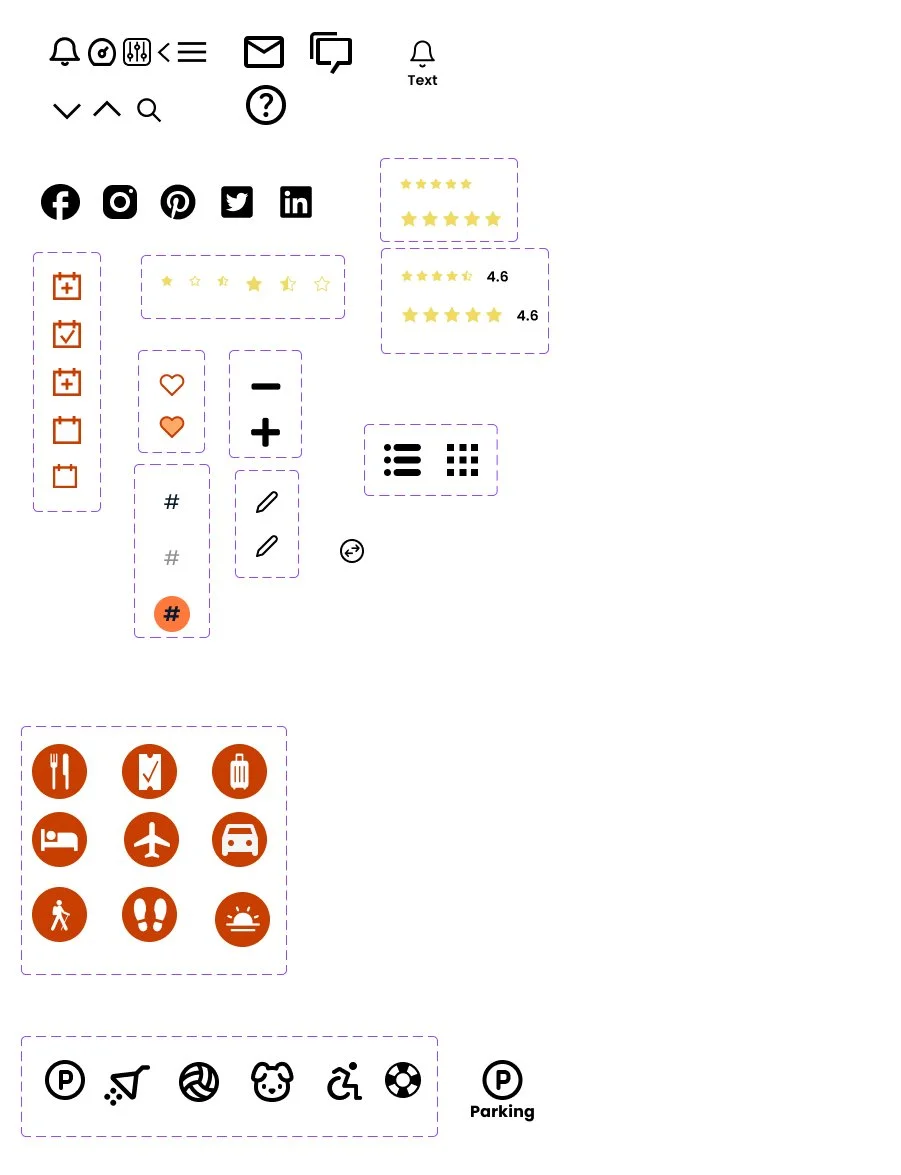
This helped to create the UI Kit for the product, although it continued to get tweaked as the pages developed.
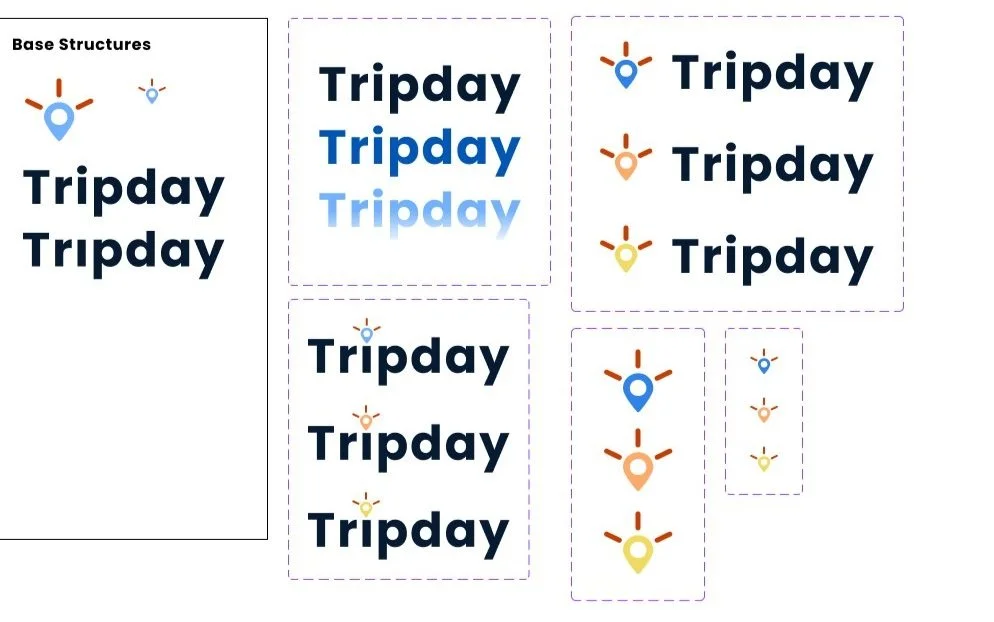
Several iterations of the name, the branding, logos were created for review with colleague’s input. The final logo allowed for clarity at a variety of screen sizes. The name Tripday evokes a sense of adventure and a carefree spirit.
Wireframes
Mid-fidelity wireframes helped to visualize the final layout and establish the language for each portion of the site.
The product was not developed on mobile in order to optimize the search experience along with the user testing experience later on.
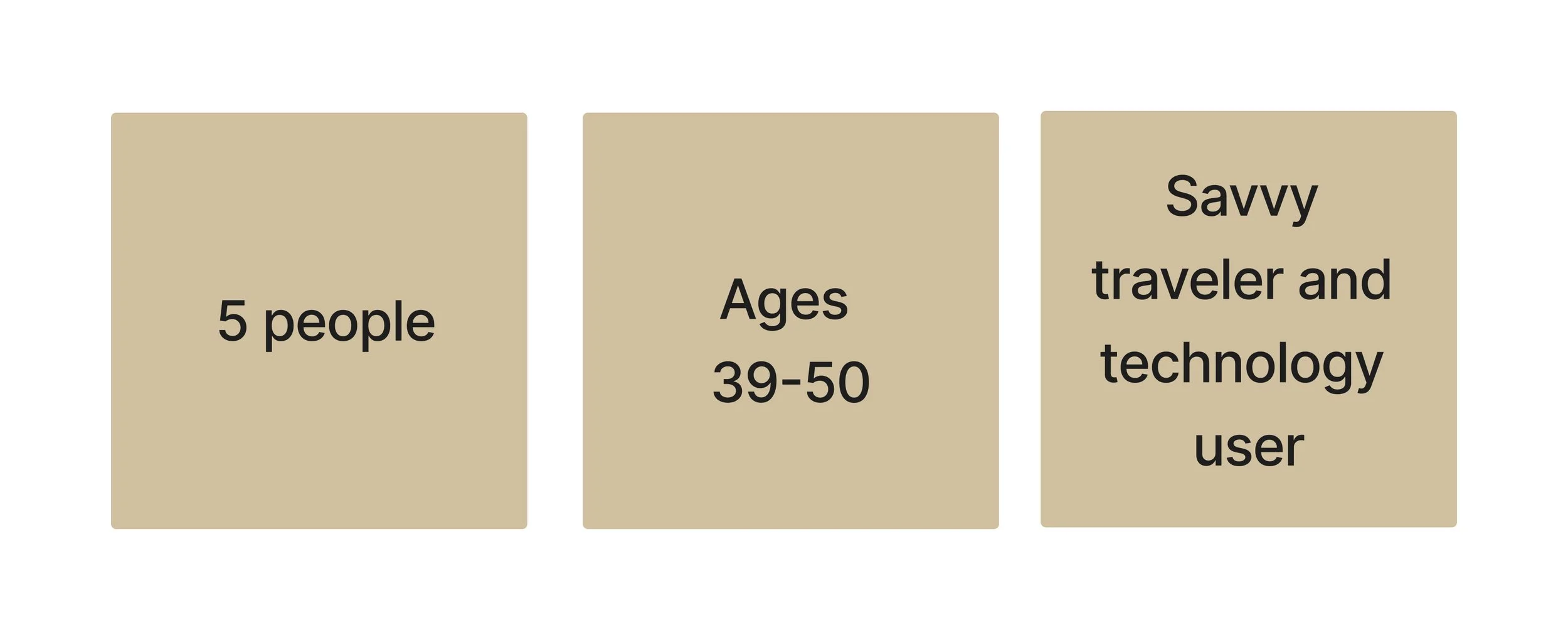
Usability Testing
High fidelity wireframes helped the design move into usability testing.
Google Meet with participants at 60 minute durations.
How success was measured:
Participants can move through the tasks without frustration.
Expectations for how a tool responds is in line with their user experience with other products in the past.
Results:
100% of people were able to complete the tasks with minimal frustrations
80% of people appreciated the minimal and clean aesthetics
100% of people said they would be interested in using a product like this for their planning
Analyzing and Prioritizing
Next, an “at-a-glance” chart was created to summarize the comments from the usability testing. Although many feature could be improved on, below are a some iterations determined to improve the experience of these two flows.
In addition to these changes, one of the repeat confusions in the testing was in regards to the filters page. It was not clear to some testers that whether every parameter had to have input or if some could be skipped. I looked at two versions for the filter page for the next usability test if occurs.
Version 1: Collapsed to Expanded Filters Page
Version 2: Overlays
If there was to be another usability test with live users, I predict the overlays will test well due to several users saying that they like when the site walks them through the process and there is a sense of being heard when each process has been checked off.
Reflection
I generally kept the design for this project to be simple so I could focus on other areas of the UXUI. If I were to do another prototype for testing, I would include the mobile version.
My assumption is that when beginning to set up filtering for a new trip, most people would be in front of a laptop or a PC. But when a user is out of the house, maybe at brunch with friends or chatting with co-workers at the pantry, they would want to access an app to make a quick search or add. Users also noted that they would like an app to send them notifications during their trips that would alert them of an upcoming event, maybe bring up their reservations, etc.
I began questioning whether travelers need a tool like this because I personally find travel planning to be frustrating. After speaking to others, I know there is much improvement to be made in everyone’s experiences.
View Other Projects
Designlab
Museum App